Simple Tools. Clear Steps. Better Documents.
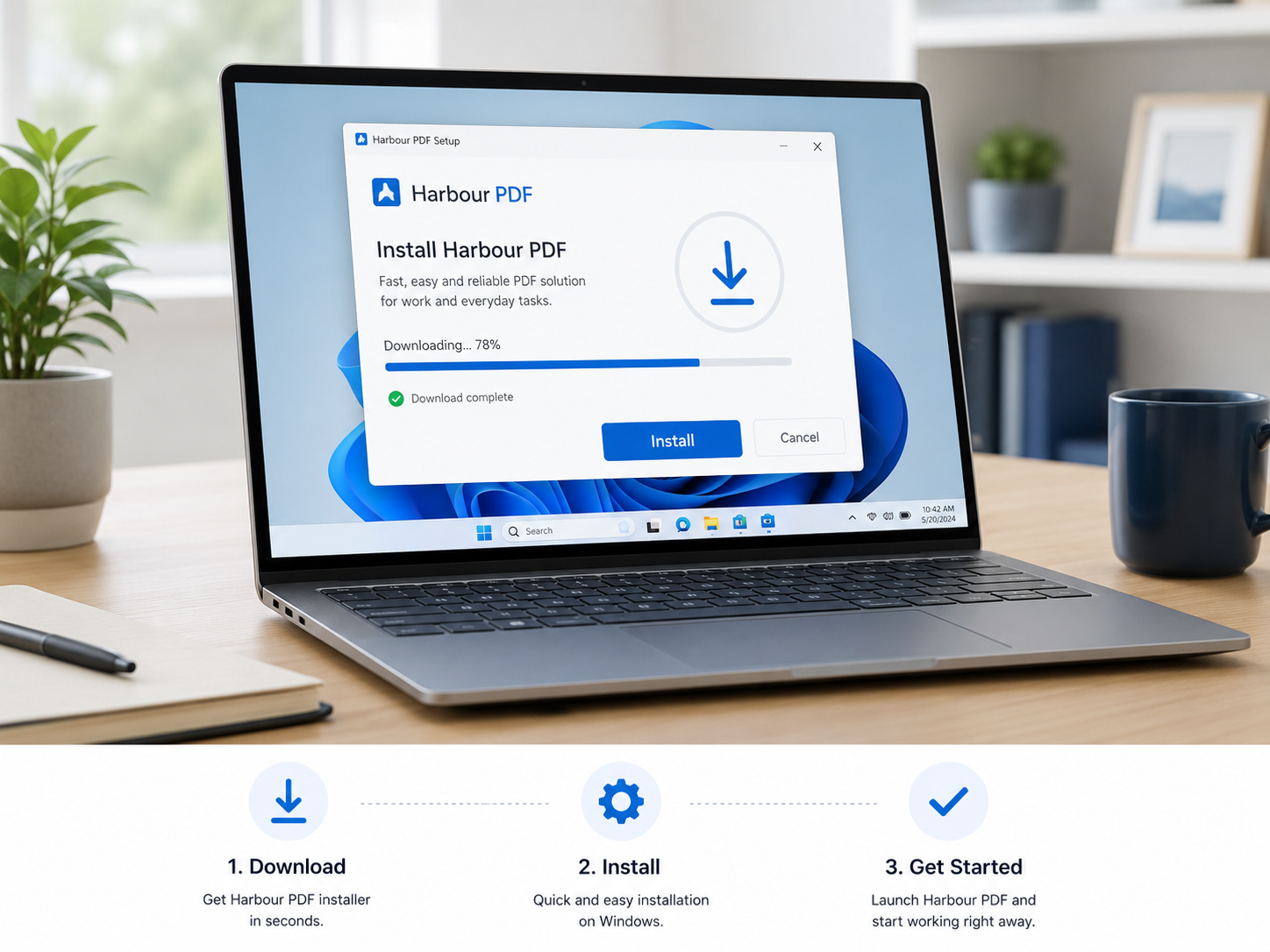
1. Download and Install
Download PageHarbor PDF and install it on your Windows computer in just a few simple steps.
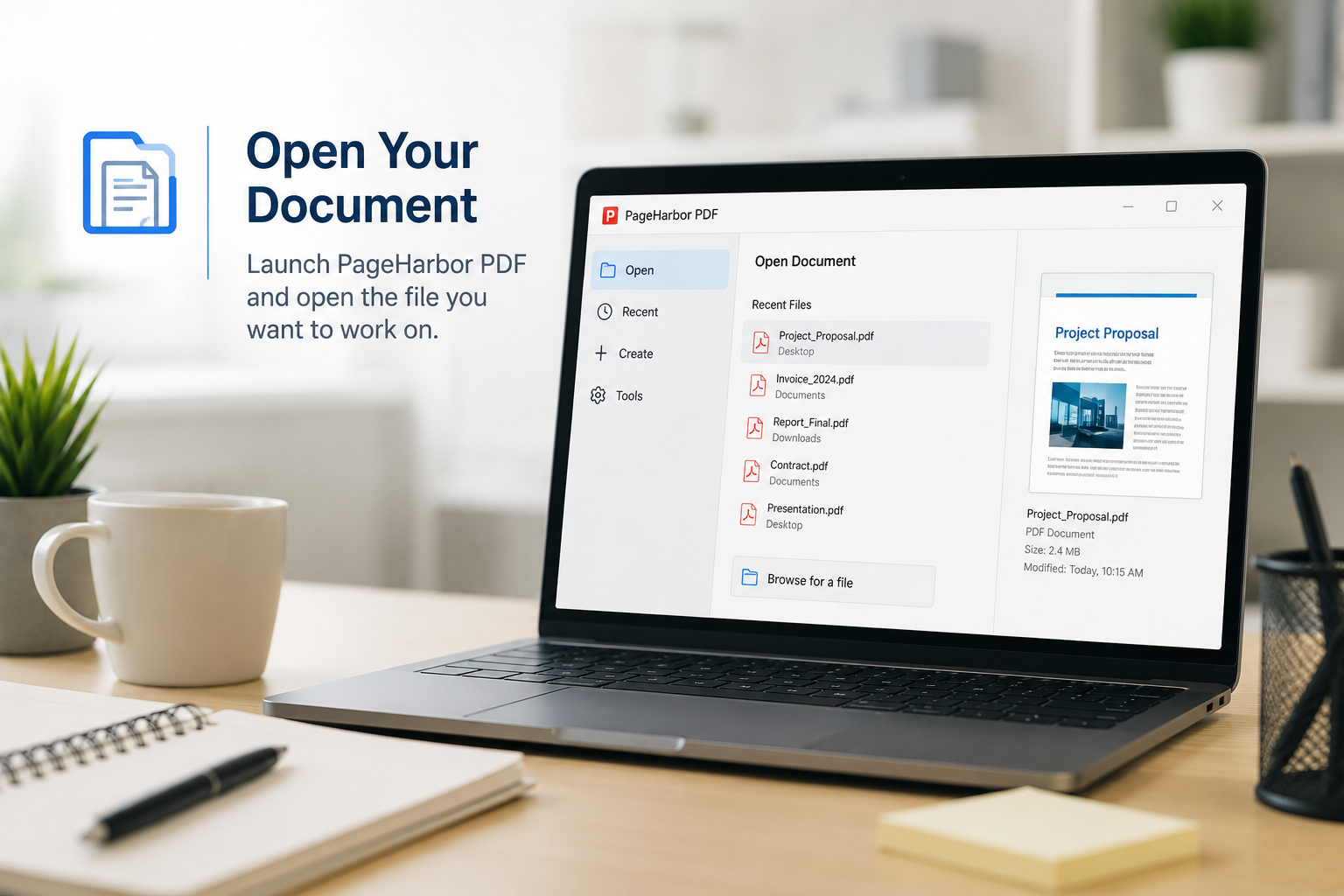
2. Open Document
Choose the PDF you want to work with, or create a new PDF from a Word document, image, or scanned file.
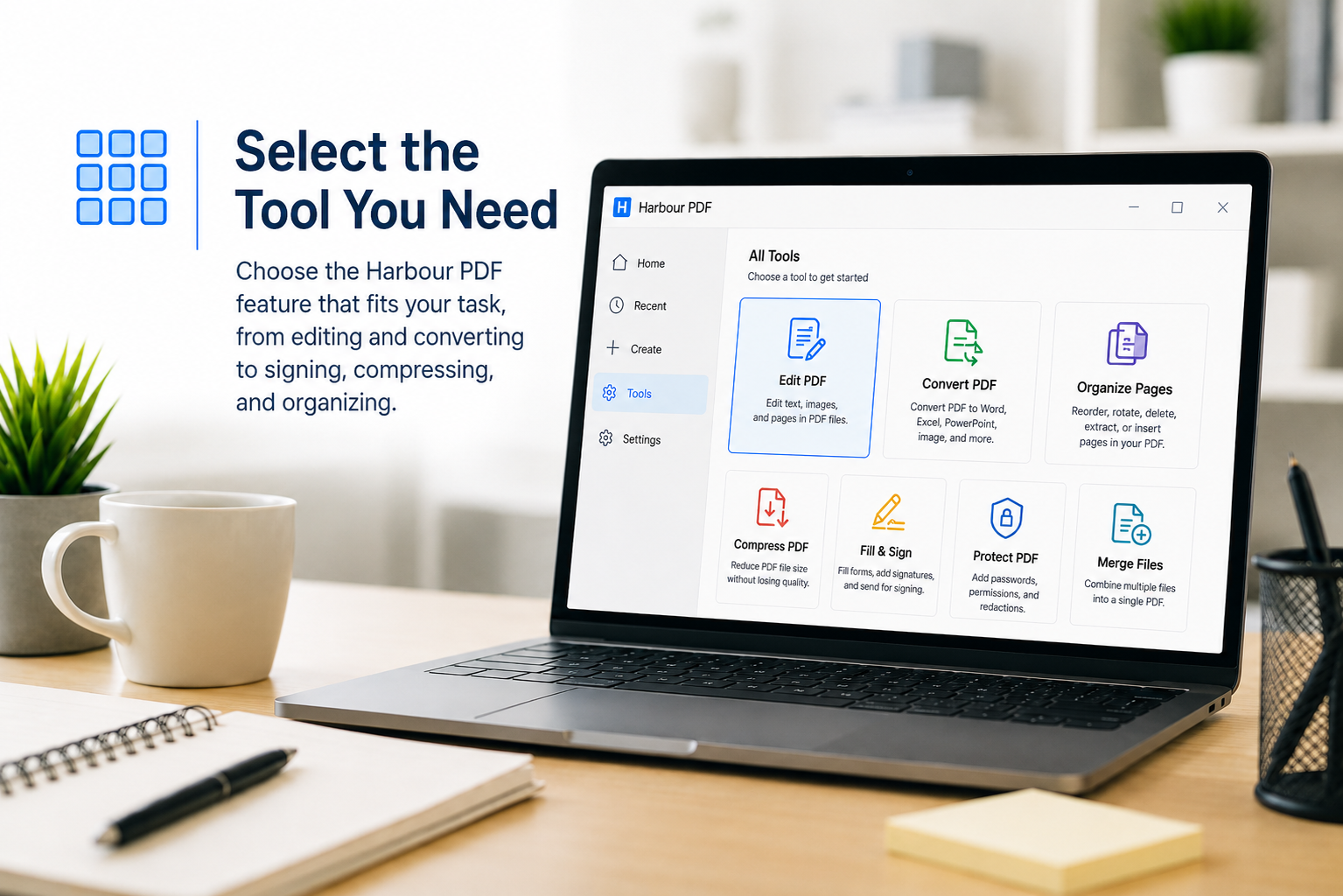
3. Select a Tool
Edit pages, convert files, fill forms, add a signature, compress a document, or protect sensitive information.
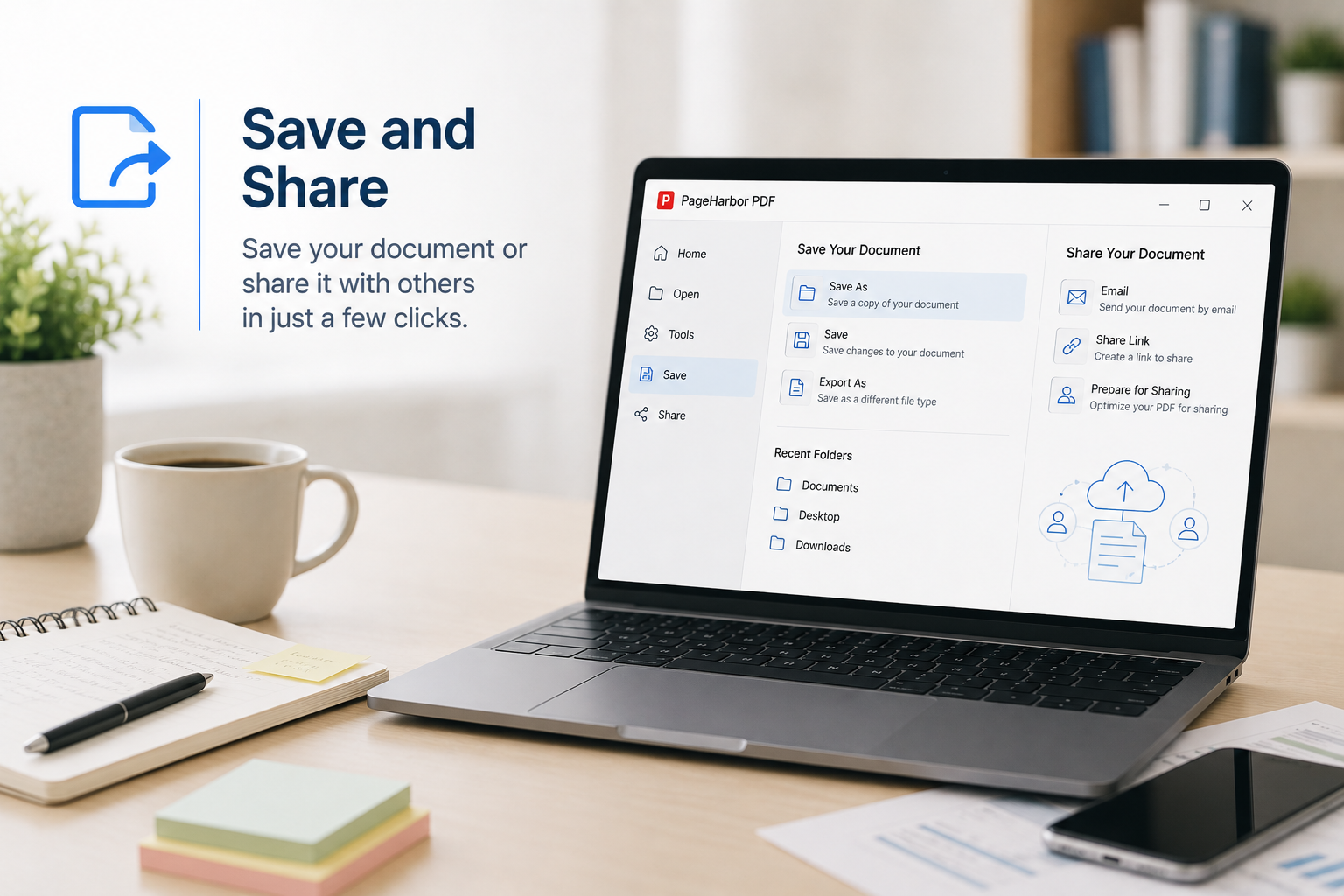
4. Save & Share
Save your finished PDF to your computer and prepare it for printing, email, storage, or online upload.